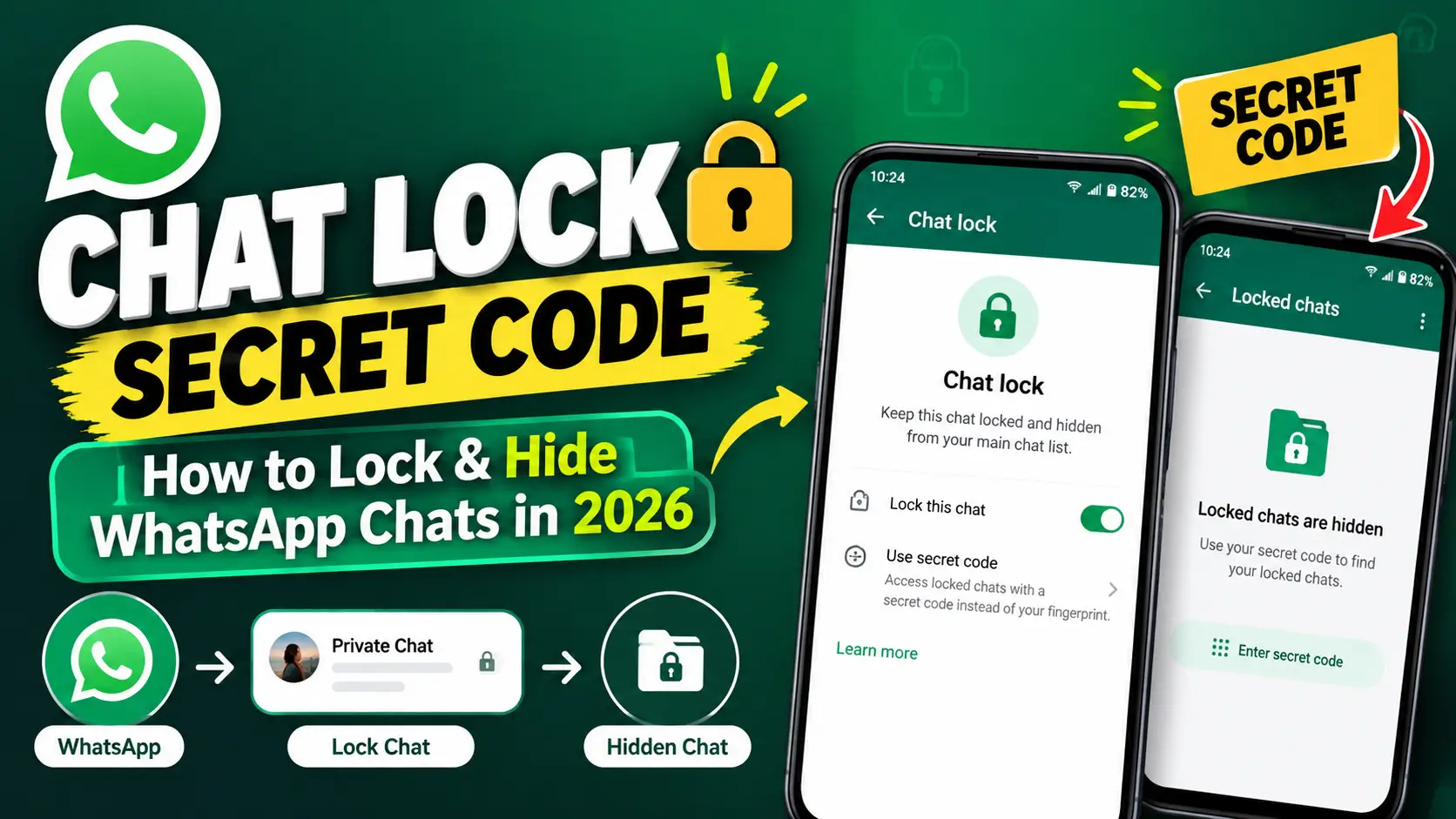
WhatsApp Chat Lock is useful when you share your phone with family members, friends, colleagues, or anyone else. Once a chat is locked, WhatsApp moves it into a protected Locked Chats area, while notifications hide the message
content and contact information.
In this guide, you will learn how to use Chat Lock for WhatsApp Secret Code, how to lock a specific chat, how to create a Secret Code, and how to hide the Locked Chats folder in 2026.
You can also watch our related tutorial on how to lock specific WhatsApp chats for a quick visual demonstration.
What Is Chat Lock for WhatsApp?
WhatsApp Chat Lock is a privacy feature that allows you to protect individual conversations or group chats with an additional authentication layer. Locked conversations are separated from your normal chat list and placed inside a Locked Chats folder. Depending on your device and settings, WhatsApp can use your phone’s authentication method, such as a passcode, Face ID, fingerprint, or a
separate Secret Code.
WhatsApp also hides the content and contact information of notifications from locked chats. Instead of displaying the person’s name and message preview, the notification can simply show WhatsApp or a new-message notification.
What Is the WhatsApp Secret Code?
The WhatsApp Secret Code is an additional code that you can use to protect your locked conversations. It can be different from the passcode you use to unlock your phone. One of the most useful parts of the feature is that you can use the Secret Code to hide the Locked Chats folder. When hidden, the folder does not remain visible in your normal WhatsApp chat list. To find hidden locked chats, you can use WhatsApp’s search field and enter your Secret Code.
How to Lock a Specific WhatsApp Chat
If you only want to protect one particular conversation, you do not need to lock the entire WhatsApp application. You can lock an individual chat instead.
On Android and iPhone
- Open WhatsApp.
- Find the conversation you want to protect.
- Tap and hold the chat.
- Open the available chat options.
- Select Lock Chat.
- Complete the required device authentication.
The conversation will then move into the Locked Chats area. The other person in the conversation is not notified that you have locked the chat.
How to Create a Secret Code for WhatsApp Chat Lock
After setting up Chat Lock, you can create a separate Secret Code for your locked conversations.
- Open WhatsApp and go to your Locked Chats.
- Open Chat Lock Settings.
- Select Secret Code.
- Enter your preferred Secret Code.
- Enter it again to confirm.
- Save the Secret Code.
Your Secret Code is separate from your phone’s normal passcode, giving you another option for protecting private conversations.
How to Hide Locked Chats on WhatsApp
If you want an additional layer of privacy, WhatsApp allows you to hide the Locked Chats folder.
- Open your Locked Chats folder.
- Open Chat Lock Settings.
- Select Hide Locked Chats.
- Enable the option.
After hiding the folder, it will no longer appear normally in your chat list. You can find your hidden locked chats by opening WhatsApp search and entering your Secret Code.
Can You Lock WhatsApp Group Chats?
Yes. WhatsApp’s current Chat Lock feature supports both individual conversations and group chats. This means you can use Chat Lock for a private conversation with one person or protect a group conversation that contains information you do not want displayed openly in your chat list.
Does WhatsApp Notify the Other Person When You Lock a Chat?
No. Locking a WhatsApp conversation does not send a notification to the other participants in that conversation. The purpose of Chat Lock is to protect the conversation on your own device. It does not prevent the other person from accessing their copy of the conversation on their device.
Can Locked Chats Work on WhatsApp Web?
WhatsApp currently supports locked chats on WhatsApp Web as well. However, WhatsApp says that you need to create the Secret Code on your Android or iPhone first. On WhatsApp Web, you can right-click a chat and choose the option to lock or unlock it. If your locked chats are hidden, you can enter the Secret Code through the search function to access them.
What Happens to Notifications From Locked Chats?
Chat Lock also helps protect your privacy when messages arrive. Notifications from locked chats hide the message content and contact information. Instead of showing the person’s name and the actual message, WhatsApp can display a generic notification such as a new WhatsApp message.
What If You Forget Your Secret Code?
Be careful when creating your Secret Code because forgetting it can create problems when trying to access hidden locked chats. WhatsApp provides an option to unlock and clear locked chats if you forget your Secret Code. However, clearing locked chats can also remove the messages, photos, and videos stored in those locked conversations. For that reason, make sure you understand the recovery option before using it. If you have important conversations, keeping a recent WhatsApp backup is also a good idea.
Chat Lock vs WhatsApp App Lock
These two features are different.
- Chat Lock: Protects specific individual or group chats.
- App Lock: Protects access to WhatsApp itself.
If you only want to hide a particular private conversation, Chat Lock is usually the more targeted option. If you want to prevent anyone from opening WhatsApp at all, an app lock can provide broader protection.
Final Thoughts
Chat Lock for WhatsApp Secret Code is a useful privacy feature for anyone who wants to keep specific conversations away from their normal WhatsApp chat list. You can lock individual or group chats, create a separate Secret Code, and hide the Locked Chats folder. This makes the feature particularly useful when you want additional privacy without locking the entire WhatsApp application. If you use WhatsApp regularly, also check our other tutorials on changing your WhatsApp number without losing chats and making WhatsApp calls from your PC
.





How to Transcribe WhatsApp Voice Messages Into Text in 2026: The Ultimate Easy Guide
September 14, 2026
[…] Chat Lock for WhatsApp Secret Code: How to Lock & Hide Chats […]
How to Password Protect WhatsApp in 2026: The Ultimate Security Guide - Sajidz Tech
September 17, 2026
[…] Chat Lock for WhatsApp Secret Code: How to Lock & Hide Chats in 2026 […]
How to Hide Your Phone Number on WhatsApp in 2026: Ultimate Guide - Sajidz Tech
September 19, 2026
[…] If you want to protect individual conversations, check our guide on Chat Lock for WhatsApp Secret Code. […]
New WhatsApp Chat Themes in 2026: 5 Exciting Styles You’ll Love 🎨 - Sajidz Tech
September 21, 2026
[…] Chat Lock for WhatsApp Secret Code: How to Lock and Hide Chats […]
WhatsApp Plus: How to Change App Icon & Theme in 2026 : You be excited to use it - Sajidz Tech
September 22, 2026
[…] If you’re interested in other WhatsApp customization and privacy features, you can also read our guide on Chat Lock for WhatsApp Secret Code. […]
How to Remove Unwanted Objects from Photos with AI in 2026
October 5, 2026
[…] you’re interested in WhatsApp customization, you can read our guide on Chat Lock for WhatsApp Secret Code. You can also learn how to create a WhatsApp Channel and discover other practical WhatsApp […]