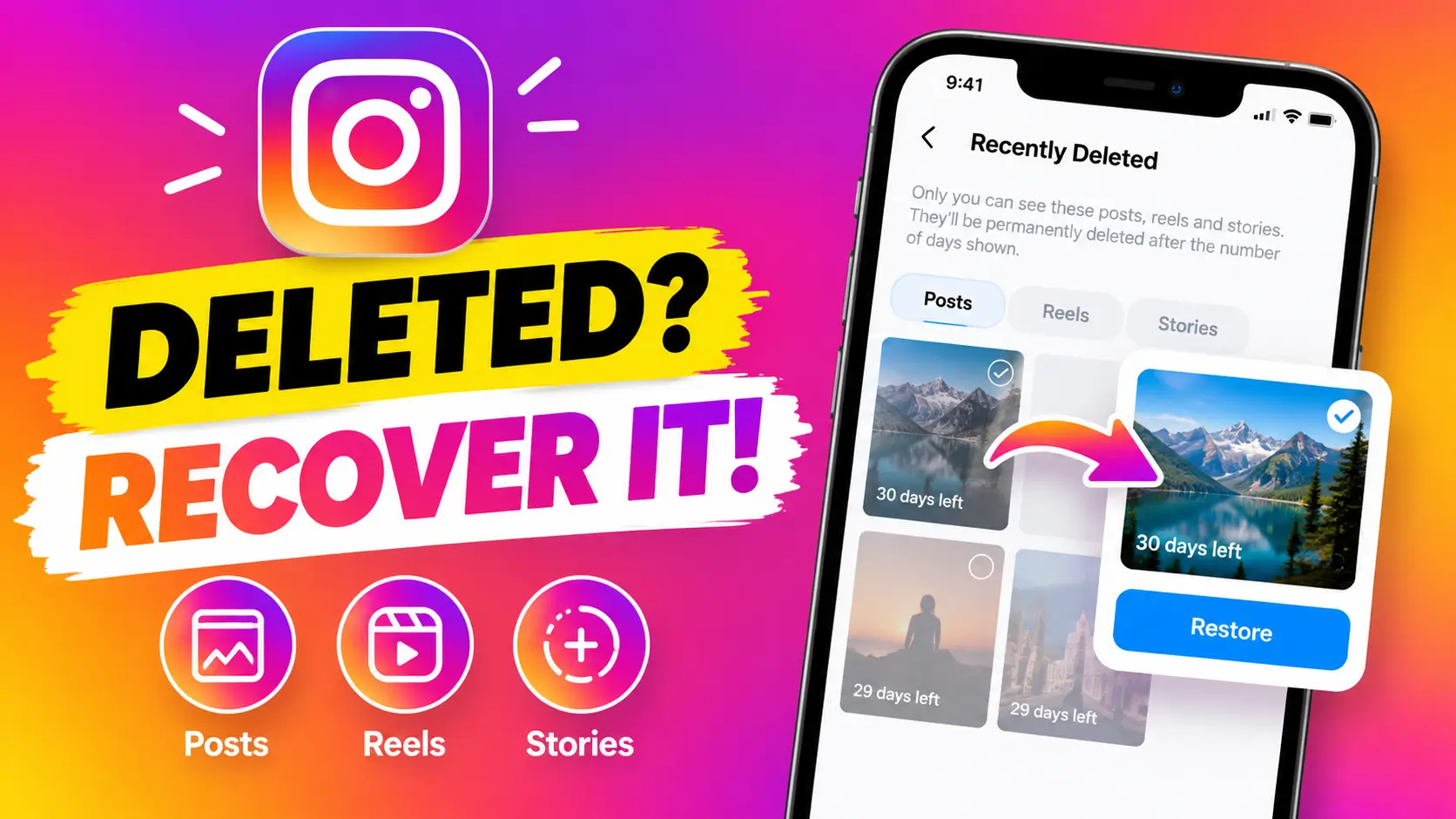
How to Recover Deleted Instagram Posts, Reels & Stories in 2026: The Ultimate Guide
Accidentally deleted an Instagram post, Reel, or Story? Don’t panic. Before assuming that your content is gone forever, there is an important Instagram feature you should check: Recently Deleted.
Instagram allows eligible deleted content to remain temporarily available in the Recently Deleted section. This gives you an opportunity to restore content that you may have deleted accidentally or changed your mind about deleting.
In this ultimate guide, you’ll learn how to recover deleted Instagram posts, Reels, and Stories step by step. I’ll also explain where to find Instagram’s Recently Deleted section, what you can do if your deleted content isn’t there, and how to avoid losing important Instagram content in the future.
If you prefer watching instead of reading, I’ve also created a complete video tutorial showing the process:
Watch the full video: How to Recover Deleted Instagram Posts, Reels & Stories in 2026
Table of Contents
- How to Recover Deleted Instagram Posts
- How to Recover Deleted Instagram Reels
- How to Recover Deleted Instagram Stories
- What Is Instagram Recently Deleted?
- What If You Can’t Find Your Deleted Content?
- Can You Recover Permanently Deleted Instagram Posts?
- How to Avoid Losing Instagram Content
- Final Thoughts
How to Recover Deleted Instagram Posts
If you accidentally deleted an Instagram photo or video from your profile, the first place you should look is the Recently Deleted section.
Here’s how to recover deleted Instagram posts using the Instagram mobile app:
- Open the Instagram app on your smartphone.
- Go to your Instagram profile.
- Tap the three-line menu in the upper-right corner.
- Open Your activity.
- Find and select Recently deleted.
- Browse the deleted content available there.
- Select the post you want to recover.
- Look for the available Restore option.
- Tap Restore.
- Complete any confirmation or verification steps Instagram displays.
If the post is still eligible for restoration, Instagram can return it to your account. Depending on the circumstances, the restored content may return to its previous location on your profile.
If you accidentally deleted an important photo, don’t wait several weeks before checking. The Recently Deleted feature is designed for temporary recovery, so it’s better to check as soon as you notice that something is missing.
How to Recover Deleted Instagram Reels
Instagram Reels can take a significant amount of time to create. You may spend time recording clips, editing them, adding music, writing captions, and creating a cover. Accidentally deleting one can therefore be frustrating.
The good news is that you can check Recently Deleted to see whether your Reel is still available for recovery.
To recover deleted Instagram Reels, follow these steps:
- Open Instagram.
- Go to your profile.
- Tap the three-line menu.
- Select Your activity.
- Open Recently deleted.
- Look for your deleted Reel.
- Open the Reel you want to recover.
- Select Restore.
- Complete Instagram’s confirmation process if requested.
If the Reel is still within its available recovery period, this may bring it back to your Instagram account without requiring you to recreate the entire video.
How to Recover Deleted Instagram Stories
Instagram Stories work differently from regular posts because they are designed to disappear after a limited period. However, deleted Stories may also be available in the Recently Deleted section for a limited time.
If you’re trying to recover deleted Instagram Stories, check the same area:
Profile → Menu → Your activity → Recently deleted
Once you open Recently Deleted, look for your deleted Story. If Instagram still provides a restoration option for that Story, select it and follow the instructions shown on your screen.
It’s important to remember that not every deleted Story will remain available for the same amount of time. Therefore, if you accidentally delete a Story that you want to keep, check Recently Deleted as soon as possible.
What Is Instagram Recently Deleted?
Recently Deleted is an Instagram feature that provides a temporary location for certain content that has been deleted from an account.
Instead of immediately disappearing from Instagram’s systems, eligible content can remain available for a limited recovery period. This can include different types of Instagram content, such as posts, Reels, and Stories.
The feature is particularly useful when you accidentally delete something. For example, you might delete a photo while cleaning up your profile and realize later that you actually wanted to keep it.
Rather than immediately searching for third-party Instagram recovery applications, check Instagram’s own Recently Deleted section first.
This is also one reason why you should be cautious about websites or applications that promise to recover Instagram content by asking for your username and password. Your Instagram account credentials should never be given to an untrusted recovery service.
What If You Can’t Find Your Deleted Instagram Content?
Sometimes you may open Recently Deleted and discover that the post, Reel, or Story you’re looking for isn’t there. There are several possible reasons.
- The content may have passed its available recovery period.
- Instagram may have already permanently removed it.
- You may be logged into a different Instagram account.
- The Instagram app may not be updated.
- The content may have been removed for another reason rather than simply deleted by you.
- There could be a temporary problem with the Instagram app.
First, make sure you’re using the correct Instagram account. If you manage multiple accounts, it’s surprisingly easy to check the wrong profile.
Next, make sure your Instagram application is updated. You can also close and reopen the app and check Recently Deleted again.
If the content still doesn’t appear, it may no longer be eligible for restoration.
Can You Recover Permanently Deleted Instagram Posts?
This is one of the most important things to understand when learning how to recover deleted Instagram posts.
There is a major difference between content that is recently deleted and content that has been permanently deleted.
If your content is still visible in Recently Deleted and Instagram provides a Restore option, you may be able to recover it. However, once Instagram permanently removes content and the recovery period has expired, there is no guaranteed way to restore the original post through Instagram.
For this reason, you should act quickly whenever you accidentally delete something important.
You should also avoid suspicious websites claiming that they can recover permanently deleted Instagram posts with special software. Some of these services may attempt to collect account credentials or other personal information.
Why You Should Back Up Important Instagram Content
Even though Instagram provides Recently Deleted, you shouldn’t treat it as a complete backup system.
If you’re a content creator, business owner, photographer, or someone who regularly publishes important photos and videos, keep copies of your original files outside Instagram.
For example, you can store important content on your phone, computer, external storage, or a trusted cloud storage service.
Keeping your original videos is especially important for Reels. If you have the original edited video saved, you can potentially upload it again if something happens to the Instagram version.
You can also save important captions, designs, thumbnails, and other content assets separately. This makes managing your social media presence much easier.
How to Avoid Losing Instagram Content in the Future
After learning how to recover deleted Instagram posts, it’s also worth taking a few simple steps to prevent accidental loss.
1. Keep Original Photos and Videos
Don’t rely entirely on Instagram as the only location for your photos and videos. Keep the original files somewhere safe.
2. Save Important Reels
If you spend hours creating a Reel, make sure you have a copy of the finished video before publishing it.
3. Be Careful When Cleaning Your Profile
When deleting old Instagram content, double-check each item before confirming the deletion. This can prevent accidental removal of posts you actually wanted to keep.
4. Keep Your Instagram App Updated
Using the latest available version of Instagram can help ensure that you have access to current features and interface changes.
5. Don’t Give Your Password to Recovery Websites
Be extremely careful with third-party services claiming to recover Instagram accounts or deleted content. Instagram recovery should begin with Instagram’s own tools whenever possible.
More Useful Social Media & Technology Guides
If you enjoy practical social media tutorials, privacy guides, and useful technology tips, you can find more guides here at Sajidz Tech.
For WhatsApp users, check out our guide on how to create a WhatsApp Channel in 2026.
You can also learn about Chat Lock for WhatsApp Secret Code if you want to protect private conversations.
If you’re planning to change your WhatsApp phone number, read our guide on how to change your WhatsApp number without losing chats.
You can also visit the Sajidz Tech YouTube channel for more practical tutorials about social media, AI tools, apps, WordPress, and technology.
Watch the Full Instagram Recovery Tutorial
Want to see the complete process on screen? Watch the video tutorial below:
How to Recover Deleted Instagram Posts, Reels & Stories in 2026
The video demonstrates where to find Instagram’s Recently Deleted section and how to check whether your deleted content can still be restored.
Final Thoughts
If you accidentally delete an Instagram post, Reel, or Story, don’t assume that it has immediately disappeared forever. Your first step should be checking Instagram’s Recently Deleted section.
Knowing how to recover deleted Instagram posts can be extremely useful when you accidentally remove an important photo or video. The same section can also help you check for recently deleted Reels and eligible Stories.
Remember that deleted content is only available for a limited period, so don’t wait too long before checking. If the content is no longer available in Recently Deleted, recovery may not be possible through Instagram.
For the best protection, always keep backups of important photos, videos, Reels, and other original content outside your Instagram account.
For more Instagram tutorials, WhatsApp tips, AI tools, useful apps, WordPress guides, and practical technology tutorials, keep following Sajidz Tech.





leave a comment